Hello friends, Today we have brought for you a training AI animation prompt of Google Gemini, which is currently Trending a lot and the Animation in it looks very good, due to this such AI animation video is Going viral very fast, people are editing such videos and making their videos viral very fast, friends, if your video has not gone viral yet, then today is a very good time for you people that you can make your video Viral by Editing this Type of video.
Details Of Trending Al Animation Google Gemini Prompt
Editing a video in this Manner is very easy. To Edit such a video, you will have to record a video of yours and with the help of some tools, you can edit such a Training video which is Going viral and friends, if you Upload your video using this Song on the Social media Platform, then your video will become even more viral and this song is very popular in training. This song matches very well with any video and the video starts Looking quite Professional.
Friends, with the help of Google Prompt, you can edit your Normal Photos or Videos in a professional manner. In today’s times, people are using Prompt very fast and the work which used to Take hours to complete is Getting reduced very fast with the help of Google Prompt. So, you people can also use it to edit your photos and Upload them on your social media Platforms.
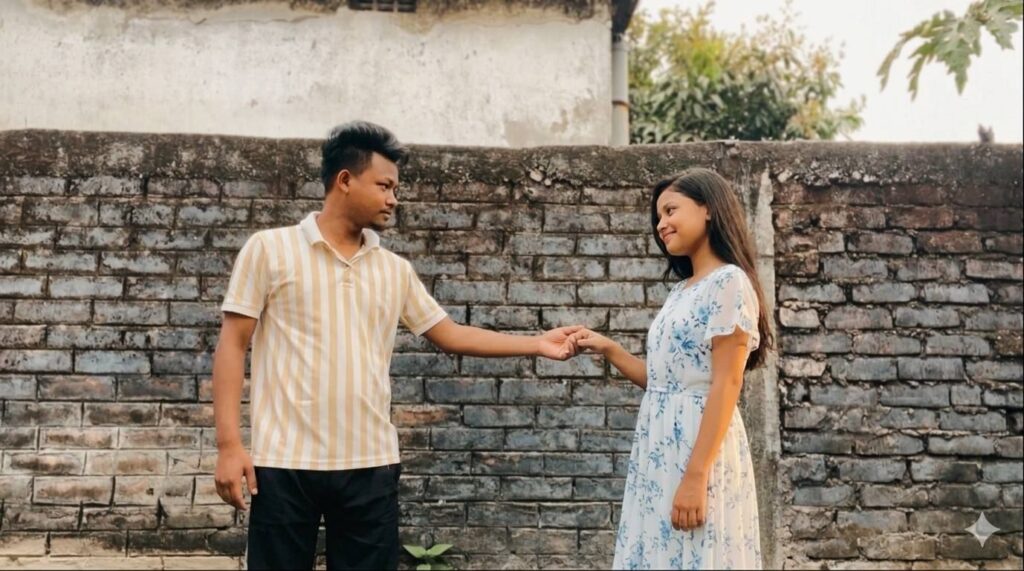
Image Prompt 👇🏻
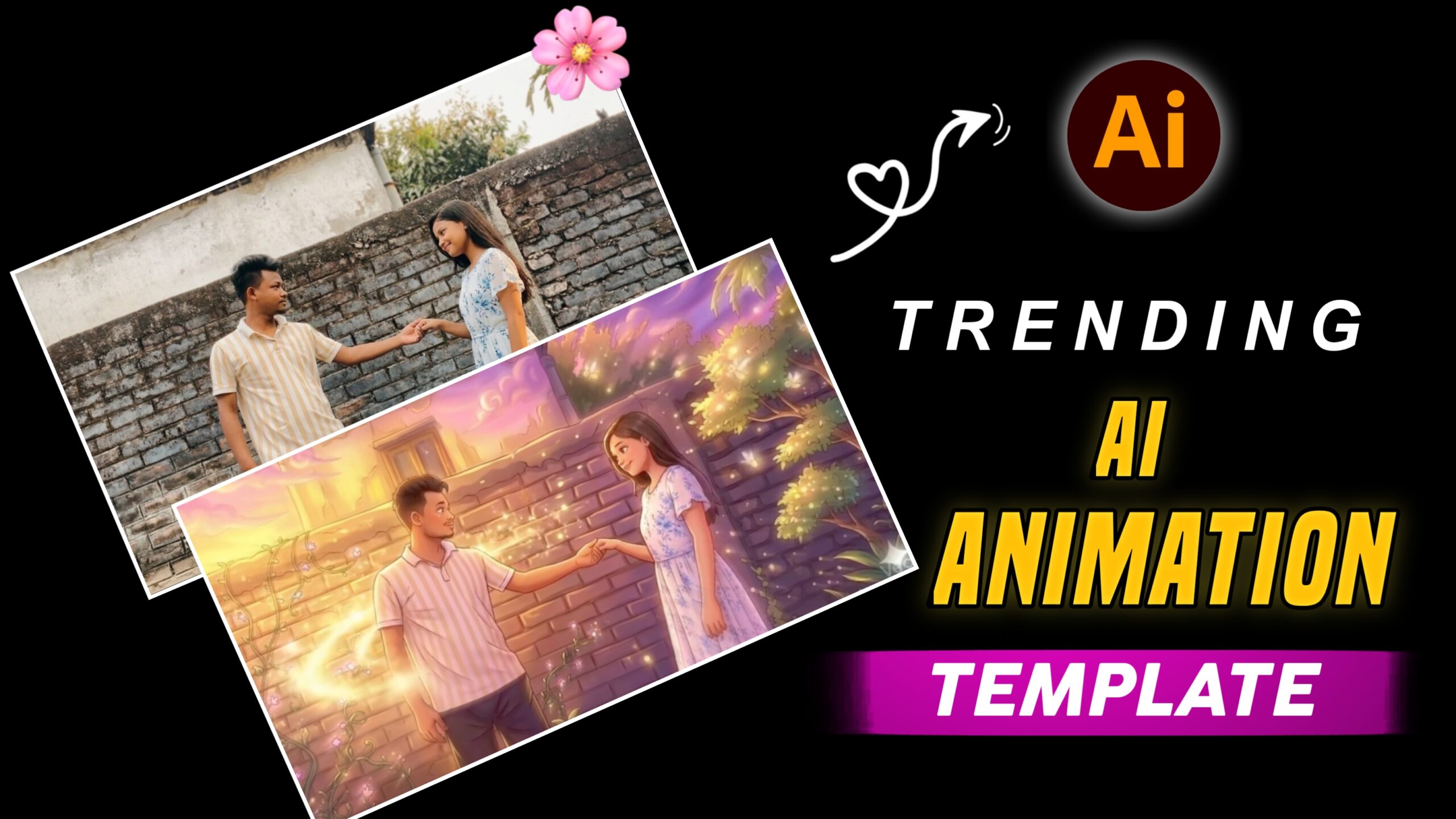
A vibrant, digital anime-style illustration of a young couple holding hands in a magical garden at sunset. The man has short dark hair and wears a striped polo shirt; the woman has long brown hair and wears a white sundress with blue floral patterns. They are standing in front of a rustic brick wall covered in climbing vines with small pink flowers. The scene is filled with glowing golden sparkles and magical light trails swirling around them. The sky is a dreamy mix of purple, pink, and gold with soft, stylized clouds. The overall mood is romantic, ethereal, and warm. YouTube ka size ka dena
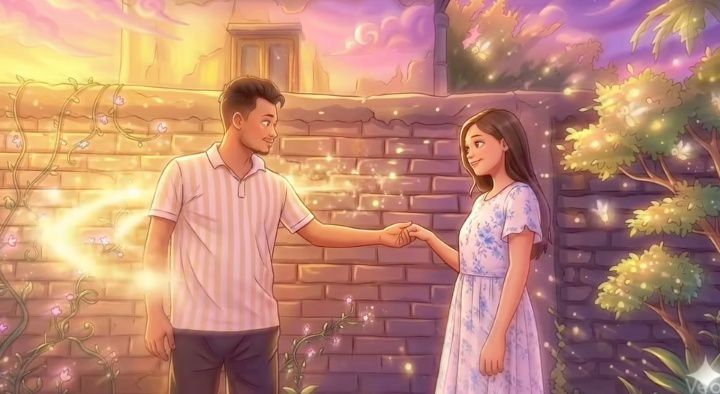
Video Prompt 👇🏻
Image to video prompt Create a cinematic animated video starting from this exact image.
Opening Frame: The video begins with the exact still image as the first frame. No motion for the first second, preserving the original composition perfectly. Camera Movement: After the first second, the camera slowly begins a smooth cinematic 360° orbit around the couple. The movement is slow, stable, and elegant, circling around them while keeping them centered in the frame. Scene: Romantic rooftop at sunset with glowing sky, soft clouds, magical fireflies, glowing vines, and old brick textures exactly like the original illustration. Action: The couple continues holding hands. The girl slightly steps closer to the boy while looking shy. The boy gently guides her closer with a soft smile. Environmental Motion: Magical glowing particles swirl softly around their joined hands. Fireflies float slowly through the air. The girl's dress lightly sways in the breeze. Style: Dreamy animated illustration style, soft lighting, fantasy romance atmosphere. Lighting: Warm golden sunset light with soft magical glow from the particles. Duration: 5-6 seconds. Quality: cinematic lighting, smooth animation, natural character movement.Important: preserve character appearance, maintain original art style, smooth camera orbit, no distortion.
How To Edit A Video
Friends, to Edit a Video in this way, first of all you have to follow some steps and whatever I am going to tell you, you have to read it very Carefully, only then you can edit a Video in this Way.
- First of all, to edit such a video, you will have to Record a Video from your room.
- You will need to take a Screenshot of the last Clip of the Video.
- Then, you’ll need to Copy the image containing the photo. Then, open Google Gemini and Edit your Photo.
- And then you Have to Open the i Follow Application on Google.
- Then after that you Have to paste the Video Prompt and make your Video.
- You need to Open the CapCut Application.
- Then after that you Have to add the video from which you Recorded the Camera.
- Then after that you Have to come to the end and add your Cartoon Video.
- Then after that you Have to cut the unnecessary text and then Export your Video from Above.
Conclusion
Friends, as I have Told you step by Step, if you follow the method in which I have told you, then you can make your Video in a very easy way and it can go Viral, so I hope you have Understood.